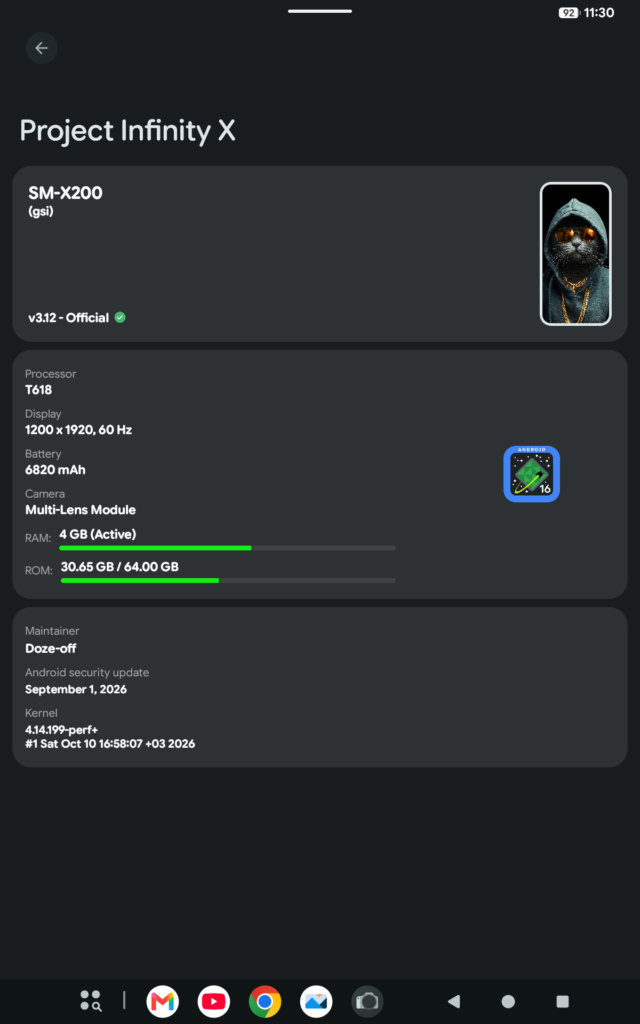
This guide help you to flash custom Rom to Samsung Galaxy tab A8 2021 (SM-X200).
Tools that you need
- GSI Rom (in this tutorial I use Infinity X 3.12 Rom)
- TWRP
- Stock Recovery
- Tab A8 Patching Kernel from ismail demirbaş (XDA Discussion Forum)
- SDK Plataform Tools
- Odin (use this guide)
- Get the Google USB Driver
If you have a computer, this is the standard method.
Extracting the rom
- Right click the downloaded GSI.
- Select 7 Zip → Extract Here.
- Rename the extracted file to rom.img (this makes typing the command much easier later).
Unlocking the Bootloader
First, enable the options:
- Go to Settings → About Phone → Software Information.
- Tap Build Number 7 times to enable Developer Mode.
- Go back to Developer Options → enable USB Debugging + OEM Unlocking.
- BOOTLOADER WARNING (READ BEFORE CONTINUING)
- Unlocking trips Knox permanently and factory resets your tablet.
To Unlock
- Power off the tablet.
- Hold Vol Up + Vol Down and plug in the USB cable.
- Long press Vol Up when the warning screen appears.
- Confirm the unlock.
Recovery Installation (TWRP)
Follow these steps exactly to avoid boot loops:
Boot the Tab A8 into Download Mode.
- Power off the tablet.
- Hold Vol Up + Vol Down and plug in the USB cable.
- Press Vol Up to continue.
- Make sure Samsung USB drivers are installed on your PC.
- Extract and open Odin.
- Odin should show ID:COM (in blue or green).
In Odin:
- Tick AP.
- Select your downloaded TWRP .tar file.
- Go to the Options tab → uncheck Auto Reboot.
- Click Start.
- Flashing takes about 5–10 seconds.
Immediately After Flashing (Crucial Step):
- Hold Power + Vol Down until the screen turns black.
- Then instantly switch to holding Vol Up + Power to boot into TWRP.
Once inside TWRP:
- Tap Wipe → Format Data → type yes.
- Go to Advanced Wipe → wipe Dalvik/ART Cache and Cache.
- In TWRP home menu, go to Reboot → Fastboot
Install the GIS ROM
On your PC, install the Google USB driver (WinUSB method).
Open a Command Prompt (CMD) window and run these commands:
- fastboot devices
- fastboot flash system rom.img
- Optional (if needed): If you want Root or Google Apps, flash Magisk or GApps now.
fastboot reboot recovery (At the end back to fastboot, Step in Inside TWRP Above)
Flash patching Kernel
- fastboot flash boot X200_boot.img
To finish up, flash the stock recovery back:
- fastboot flash recovery recovery.img
- fastboot reboot
Note: The first boot takes about 5–10 minutes.